How Businesses Use Conversational AI in 2026 (Sales, Support & Ops)
AI
7 mins
Dec 6, 2025

Khyati Mehra
Conversational AI used to be a “nice-to-have.”
In 2026, it’s the engine behind how modern companies communicate, sell, support, and operate.
If you still think conversational AI is just a chatbot answering FAQs, you’re already behind. Today’s systems can qualify leads, handle customer complaints, manage internal workflows, book meetings, update CRMs, and run entire processes without a human touching anything.
Let’s break down how businesses are using Conversational AI right now — in the real world, not in a futuristic pitch deck.
The Simple Definition (No Jargon)
Conversational AI = AI built to talk, understand, and take action.
It listens to what you ask, understands intent, keeps track of the conversation, and performs tasks like a trained team member.
Think of it as:
Your sales rep who never forgets a follow-up
Your support agent who responds instantly
Your operations assistant who runs workflows without drama
Not creative. Not artsy.
Just insanely fast, accurate, and available 24/7.
Where Conversational AI Is Actually Used in 2026
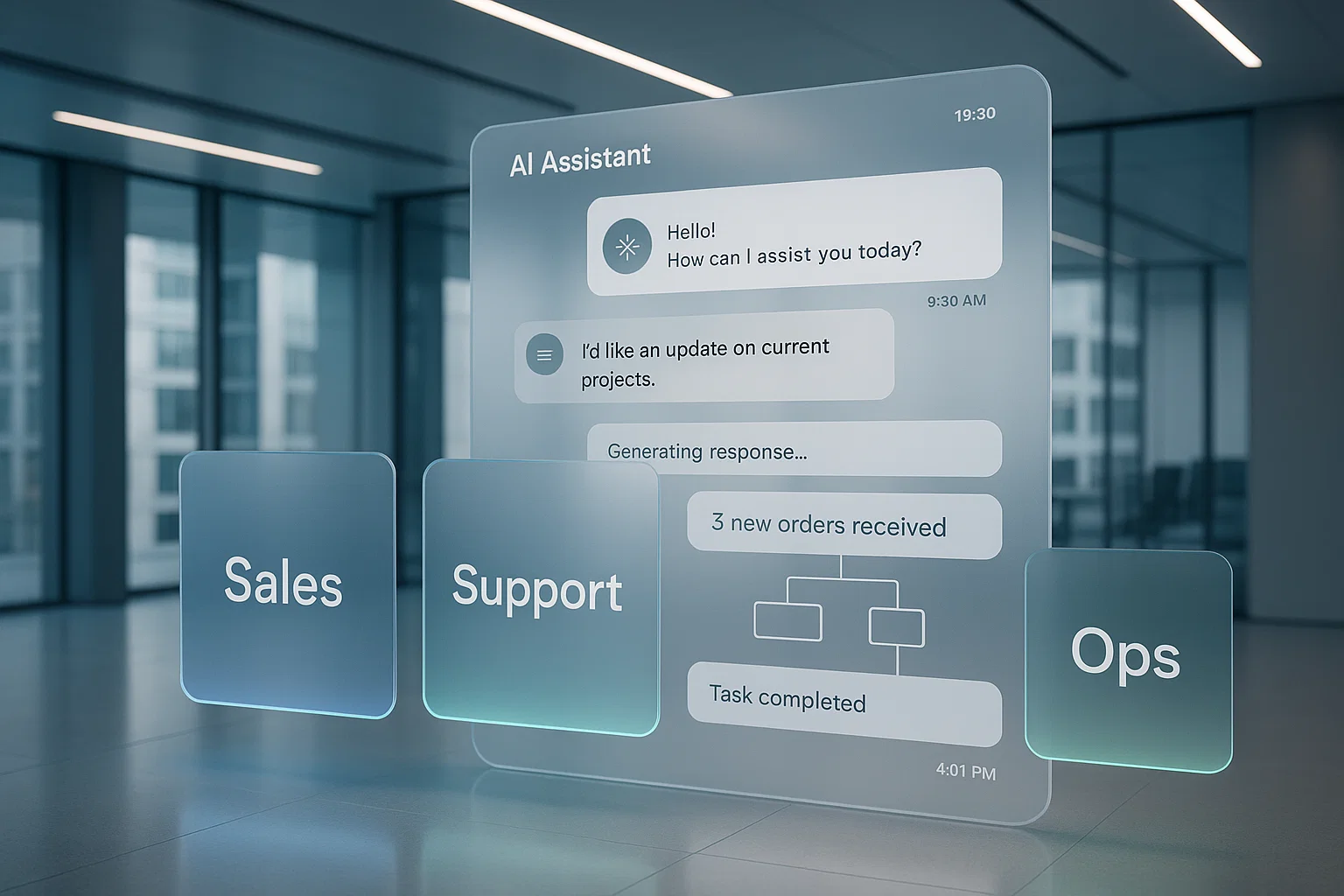
We’ll break it down into the three areas where the impact is massive:
Sales
Customer Support
Operations
And we’ll cover the biggest use cases and real examples so it’s not abstract.
1. Conversational AI in Sales (2026)
Let’s start with the department that cares only about one thing: more revenue.
Sales teams in 2026 use conversational AI for the work reps hate doing:
1. Lead Qualification
The AI engages inbound leads instantly:
checks intent
asks qualifying questions
scores the lead
hands it off to a human when it’s hot
Example:
Your website visitor asks about pricing.
AI jumps in:
identifies company
checks size
asks qualification questions
books a meeting
updates CRM
No human needed. Zero delay.
2. Automated Follow-Ups
Reps don’t follow up. AI does.
It manages:
drip sequences
reminders
“just checking in” emails
meeting nudges
And it does it relentlessly — because AI doesn’t get tired, bored, or forgetful.
3. Meeting Booking
AI assistant handles all scheduling:
checks calendars
proposes slots
sends invites
reschedules automatically
Example:
“Book a call with our sales team.”
Conversation → slot selected → invite sent → CRM updated.
4. Proposal & Document Queries
Prospects ask questions about pricing, terms, features, limitations — AI handles the entire back-and-forth.
No bottleneck. No waiting.
2. Conversational AI in Customer Support (2026)
Support teams use conversational AI for one reason: to stop drowning.
Today’s AI doesn’t just answer customer queries — it solves them.
1. Instant Issue Resolution
AI handles:
order tracking
refunds
basic troubleshooting
policy questions
account updates
Humans only take complex cases.
Everything else is automated end-to-end.
Example:
“Where’s my order?”
AI identifies the user → checks shipment → provides ETA → offers next steps.
Zero queue time. Zero frustration.
2. Multi-Channel Support
AI works everywhere:
website chat
email
WhatsApp
Instagram DMs
in-app chat
phone IVR
Customers get consistent answers across all channels.
3. Support Deflection
AI reduces ticket volume by 40–70% by:
answering repetitive questions
handling simple workflows
routing complex cases correctly
Support teams finally get breathing room.
4. Smart Escalation
When AI hands over a case, it gives the rep:
conversation context
previous messages
detected intent
recommended solution
This means higher CSAT and faster resolution.
3. Conversational AI in Operations (2026)
Ops is where conversational AI becomes a silent superpower.
It automates workflows that used to require 3–5 manual steps.
1. Internal Task Automation
Employees ask the AI:
“Update the dashboard.”
“Send the weekly report.”
“Create a purchase request.”
“Pull customer feedback for last month.”
The assistant does it — instantly.
2. Knowledge Retrieval
Instead of digging through Notion, Google Drive, Slack, and inboxes, employees ask:
“Where is the onboarding SOP?”
→ AI fetches it.
“What is our refund policy?”
→ AI answers.
“Who owns this project?”
→ AI tells you.
Zero searching.
3. Process Automation & Workflows
AI triggers complete workflows:
HR onboarding
expense approvals
vendor communication
compliance updates
internal reminders
SLA tracking
Ops moves 10x faster.
4. Real-Time Monitoring
Conversational AI monitors:
operations dashboards
alerts
performance metrics
anomalies
And notifies the right person immediately.
Example:
“Inventory dropped below threshold.”
→ AI alerts ops + creates purchase order + sends email to vendor.
Fully autonomous.
Major Use Cases Snapshot (2026)
Here’s the quick cheat sheet:
Sales
Lead qualification
Automated follow-ups
Meeting scheduling
CRM updates
Proposal Q&A
Support
Instant resolutions
Order/update queries
Refund automation
Channel-wide support
Smart escalation
Operations
Internal workflow automation
Knowledge retrieval
Report generation
SLA alerting
Team coordination
Businesses are cutting repetitive work across every department at once.
Real Examples (Simple, Practical)
E-commerce:
AI handles 80% of support — tracking, returns, replacements.
SaaS:
AI qualifies leads and books demos automatically.
Healthcare:
AI manages appointment scheduling, pre-screening, and follow-ups.
Fintech:
AI handles KYC questions, status checks, and payment queries.
Logistics:
AI notifies customers about delays, generates tickets, and updates tracking automatically.
Every industry is using conversational AI differently — but the ROI is the same:
Faster operations + fewer humans doing repetitive work.
Why 2026 Is the Tipping Point
There are three reasons businesses are adopting conversational AI aggressively:
AI finally understands natural language properly
Conversations feel human — not robotic.LLM-powered agents can now take real actions
Not just talk. They execute workflows.Labor costs are rising. AI is cheap, consistent, and scalable
You can train it once and deploy it everywhere.
This isn’t an experiment anymore.
This is infrastructure.
The Bottom Line
Conversational AI in 2026 is no longer an FAQ bot.
It’s an always-on digital teammate that handles:
sales conversations
customer issues
operational workflows
internal questions
repetitive tasks
Businesses are using it to cut costs, speed up processes, and scale teams without hiring.
The companies winning right now?
They’re the ones letting AI handle the conversations — so humans can handle the decisions.