No-Code AI App Builder: Build Your MVP in Weeks, Not Months
No-Code
9 mins
Dec 17, 2025

Khyati Mehra

A no-code AI app builder lets you create AI-powered applications through visual interfaces and pre-built modules—no programming required. For founders and innovators, this means you can go from concept to market-validated product in weeks instead of months, capturing market share while competitors are still recruiting developers.
Why No-Code AI is Now a Strategic Asset
The AI development landscape has fundamentally shifted. What was once seen as a prototyping shortcut is now a core strategic asset for serious ventures. The market data backs this up—the global no-code AI platform market is projected to grow from $3.83 billion in 2023 to $24.42 billion by 2030, with a compound annual growth rate of 30.6%. This isn't just growth; it's a complete reimagining of how AI products come to market.
Two harsh realities are driving this shift:
The talent gap for specialized AI engineers is massive and growing
Startups need market traction yesterday, not next quarter
Think about it, while your competitors spend months recruiting AI engineers and another six months building their prototype, you could already be iterating on version 3.0 based on real user feedback. That's not just a time advantage; it's a knowledge advantage that compounds with every iteration.
For early-stage ventures, the goal isn't to build a perfectly scalable system from day one. It's to validate your business hypothesis with real user data before burning through your runway. No-code platforms excel here, letting you build and test sophisticated AI prototypes at a fraction of traditional development costs.
The shift in investor mindset is equally dramatic. VCs are no longer impressed by technical complexity; they want to see traction, user engagement, and validated demand. A working MVP with 100 paying customers consistently outperforms a beautifully architected system with zero users.
You're not just building apps faster. You're engineering a direct path to revenue, user feedback, and investor validation while minimizing engineering capital risk. This methodology transforms the traditional high-risk, high-capital AI venture into a lean, data-driven machine for finding product-market fit.
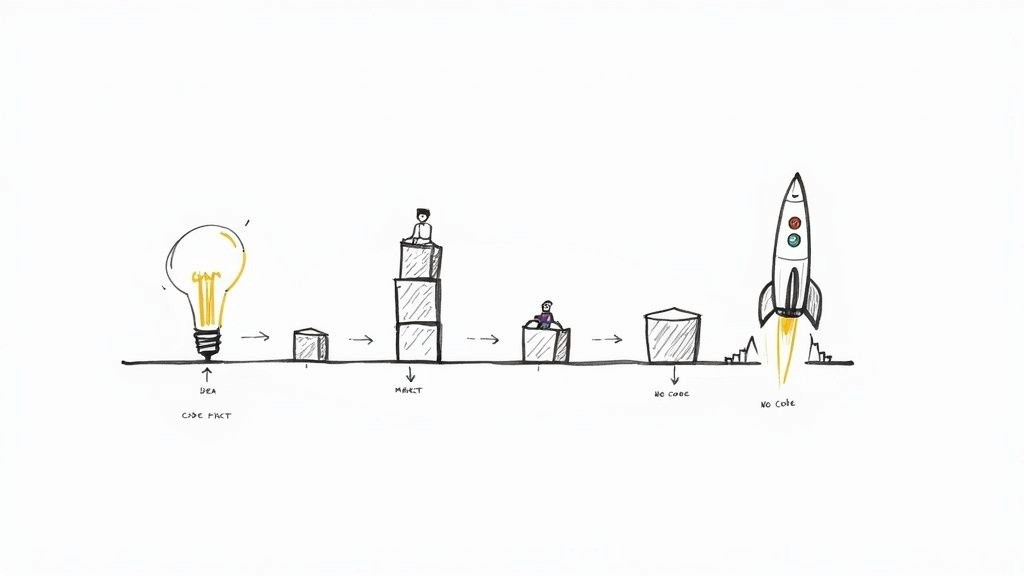
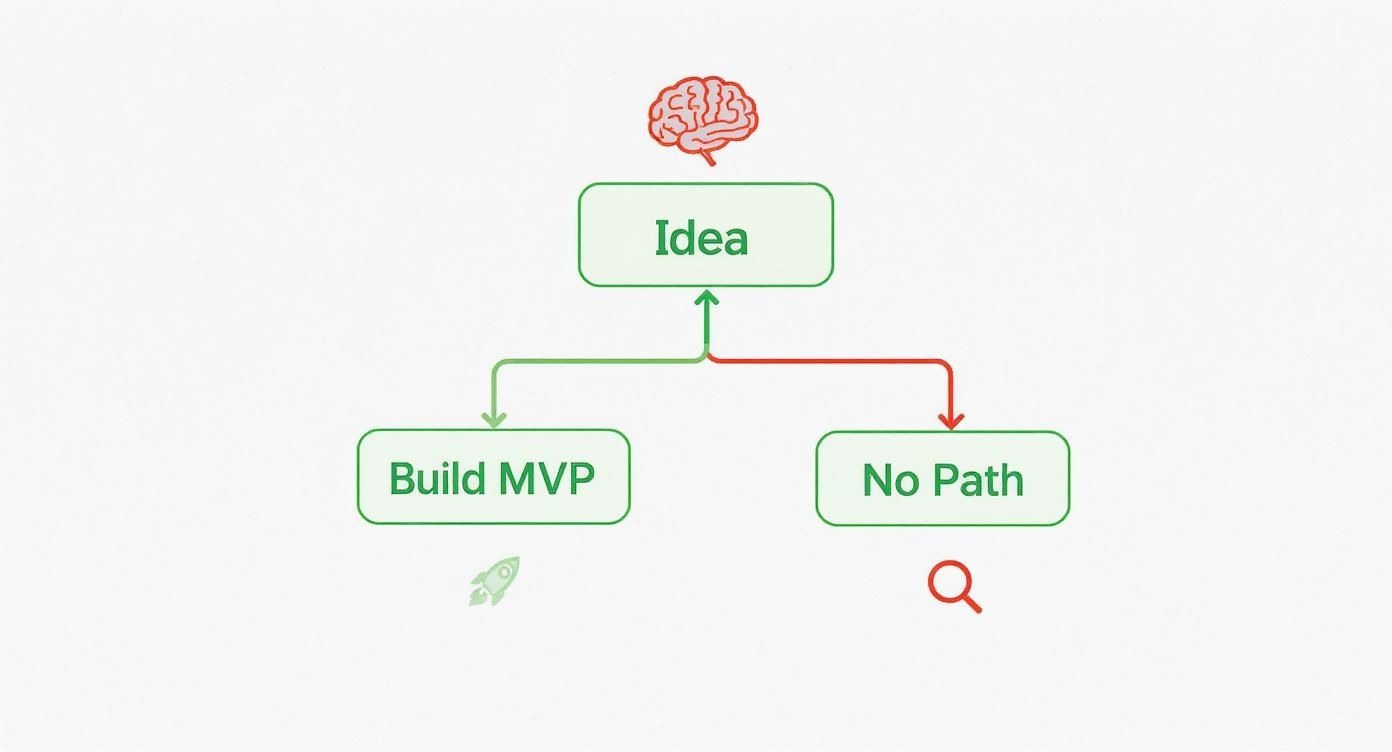
Building Your AI MVP: From Hypothesis to Validation
Success starts long before you touch any visual builder. It begins with distilling your vision into a precise, testable hypothesis.
Defining Your Core Hypothesis
Avoid vague objectives like "develop an AI to optimize marketing." Instead, create a specific, measurable hypothesis:
"By using GPT-4 to generate five ad copy variations, B2B SaaS companies can increase click-through rates by 15% compared to human-written copy."
This clarity gives you:
Specific technology (GPT-4 text generator)
Target user (B2B SaaS companies)
Core action (generating ad variations)
Success metric (15% CTR increase)
Mapping AI Capabilities to User Value
Identify the single AI feature that delivers maximum value with minimal complexity. Don't bundle multiple AI features; it dilutes feedback and inflates timelines.
For a real estate application, don't just "analyze data." Instead, "generate property descriptions that attract 20% more qualified inquiries." This outcome-centric approach ensures immediate tangible value.
Your AI MVP should solve one well-defined problem elegantly. Success isn't measured by AI complexity but by its ability to deliver that "wow" moment, validating your hypothesis.
Choosing Your No-Code and AI Tech Stack
Platform selection is an architectural decision with long-term consequences. You need to balance immediate speed with future scalability. Get this wrong, and you'll either hit a ceiling too early or waste precious time on overly complex solutions.
The No-Code Foundation
Your primary platform houses the UI and business logic. Here's how the leading options stack up:
Bubble: The powerhouse for complex web applications
Best for: SaaS products, internal tools, marketplaces
Strengths: Powerful database, extensive plugin ecosystem, granular control
Considerations: Steeper learning curve, but worth it for complex apps
Webflow/Framer: The designer's choice
Best for: Marketing sites, content-heavy platforms, visually stunning interfaces
Strengths: Pixel-perfect design control, excellent performance
Considerations: Limited backend logic—you'll need external tools for AI
Adalo/Glide: The rapid prototypers
Best for: Simple mobile apps, MVPs, internal tools
Strengths: Ship in days not weeks, minimal learning curve
Considerations: Less flexibility as you scale
Key evaluation criteria that actually matter:
Database architecture: Can it handle your complex data relationships without hacky workarounds?
API connectivity: How robust is the API connector? Can it handle custom headers, OAuth, complex JSON?
Scalability thresholds: Every platform has limits. Know them before you hit them.
Cost at scale: Some platforms get expensive fast. Model your costs at 1,000 and 10,000 users.
Architecting the AI Integration Layer
Here's where things get interesting. Simple tasks might need just direct API calls—send a prompt, get a response. But sophisticated operations require a different approach.
Middleware platforms like Make or Zapier serve as your AI orchestration layer. Think of them as the conductor of your AI symphony, coordinating multiple services into a cohesive experience.
This architecture becomes essential for advanced patterns like Retrieval-Augmented Generation (RAG). A typical RAG workflow involves:
Receiving a user query
Searching your vector database for relevant context
Constructing an augmented prompt with this context
Sending to your LLM of choice
Post-processing the response
Returning to the user
Attempting this directly in no-code front-ends leads to spaghetti logic and maintenance nightmares. Dedicated workflow tools make it manageable and, more importantly, debuggable when things go wrong (and they will).
Platform Comparison at a Glance
Platform | Best For | AI Integration | Scale Potential | Time to MVP |
|---|---|---|---|---|
Bubble | Complex SaaS | Excellent via APIs | High with optimization | 4-8 weeks |
Webflow | Marketing sites | Good with external tools | Excellent for frontend | 2-4 weeks |
Adalo | Mobile MVPs | Moderate | Medium | 1-2 weeks |
Glide | Data-driven apps | Built-in AI features | Medium | < 1 week |
Designing a User-Centric AI Experience
AI UX design is fundamentally different from traditional software. You're choreographing interactions between humans and probabilistic systems.
Managing Probabilistic Outcomes
Since AI provides likely responses, not necessarily "correct" ones, your interface must manage this ambiguity:
Intelligent loading states: Replace spinners with process transparency ("Analyzing document..." → "Identifying key themes...")
Multiple output options: Show users that AI is a creative tool, not an oracle
Feedback mechanisms: Thumbs up/down and regenerate buttons for user control
Transparency and Control
Trust correlates with perceived transparency. For B2B applications using RAG, cite source documents. This builds credibility and allows independent verification.
Guiding Users to Better Results
Help users formulate effective prompts through:
Contextual placeholder text with example prompts
Clickable prompt templates for common use cases
Dynamic UI that adapts based on AI output
Managing Costs and Scaling Your AI App
Post-launch success requires understanding your Total Cost of Ownership. The per-call pricing of AI services means usage directly impacts expenses.
Your Cost Structure
Platform subscriptions: Base costs that scale with capacity needs
AI API usage: Your biggest variable expense, measured in tokens
Data storage: Growing with your user base
Third-party services: Payment processing, email delivery, etc.
Strategic API Optimization
Control burn rate through:
Response caching for identical queries
Using smaller, faster models for non-critical tasks
Implementing rate limiting for free tiers
When to Scale Beyond No-Code
Watch for these indicators:
Performance degradation under load
Cost inefficiency compared to custom solutions
Consider hybrid architecture—keep your front-end in no-code while offloading intensive processes to custom services. This maintains development velocity while addressing scale requirements.
Common Pitfalls to Avoid
After helping dozens of founders build AI MVPs, we've seen every mistake in the book. Here are the ones that hurt the most.
Platform Mismatch: The Silent Killer
Don't build a data-intensive B2B SaaS on a platform designed for simple consumer apps. We've seen founders try to build complex multi-tenant systems on Glide—it's like trying to build a skyscraper with Lego blocks.
Real example: A founder came to us after spending three months trying to implement role-based permissions in Adalo for their enterprise SaaS. They had to rebuild from scratch in Bubble, losing critical time-to-market. Map your requirements against platform capabilities before writing a single workflow.
Underestimating API Costs: The Budget Destroyer
What seems cheap in testing can bankrupt you under real load. One client's chatbot cost $5/day during development. After launch? $500/day because users were having full conversations, not just asking simple questions.
Prevention strategies:
Implement intelligent caching for repeated queries
Use smaller models (GPT-3.5 vs GPT-4) for non-critical tasks
Set up usage alerts before you launch, not after
Build rate limiting into your free tier from day one
Neglecting Security: The Trust Breaker
Never overlook data privacy, t's not just about compliance, it's about trust. We've seen startups lose enterprise deals because they were sending customer data to AI models without proper anonymization.
Your security checklist:
Audit every data flow, know exactly what goes where
Choose AI providers with zero-retention policies
Never, ever expose API keys in client-side code
Implement proper user consent flows before collecting any data
Consider GDPR/CCPA requirements from day one, not as an afterthought
FAQs
How much does an AI MVP cost?
Using no-code, you could launch for a few thousand dollars for simple builds, up to $50,000 for complex systems. Here's the real breakdown:
Simple chatbot or content generator: $2,000-$5,000
Complex B2B SaaS with custom workflows: $15,000-$30,000
Enterprise-grade solution with multiple integrations: $30,000-$50,000
Main cost drivers: tool subscriptions ($100-$500/month) and AI API usage ($0.01-$0.06 per request). A popular app can easily burn $1,000+/month in API costs alone.
Can no-code AI apps really scale?
Yes, to thousands of users easily. Bubble powers apps with millions in revenue. Softr runs enterprise solutions. The key is knowing when to evolve.
For hyperscale (think 100k+ users), adopt hybrid architecture. Keep your front-end in no-code but offload resource-heavy processes like data analysis or complex AI workflows to custom microservices. This isn't admitting defeat—it's strategic optimization.
How long does it take to build an AI MVP?
With no-code and a clear hypothesis:
Basic prototype: 1-2 weeks
Polished MVP with user testing: 4-6 weeks
Market-ready product with iterations: 8-12 weeks
Compare that to 6-12 months for traditional development, and you see why VCs love founders who use no-code for validation.
What if I'm not technical?
That's exactly who no-code is for. If you can use PowerPoint, you can build an AI app. The visual interfaces guide you through the logic. That said, having a technical advisor or partnering with an experienced no-code agency can accelerate your timeline and help avoid costly mistakes.
When should I move beyond no-code?
Watch for these signals:
Monthly platform costs exceed custom hosting costs
Page load times consistently over 3 seconds
Complex workarounds for simple features
More time fighting limitations than building
The beauty? You can migrate gradually, one feature at a time.
Ready to Build?
No-code AI app builders aren't shortcuts—they're strategic tools for rapid market validation. You can transform ideas into revenue-generating products while competitors are still hiring.
The question isn't whether to use no-code for your AI MVP. It's how quickly you can start validating your hypothesis with real users. Every day you wait is a day your competitors could be learning from the market.
Ready to turn your AI concept into a market-ready product? Let's build something that wins over users and investors—in weeks, not years.